
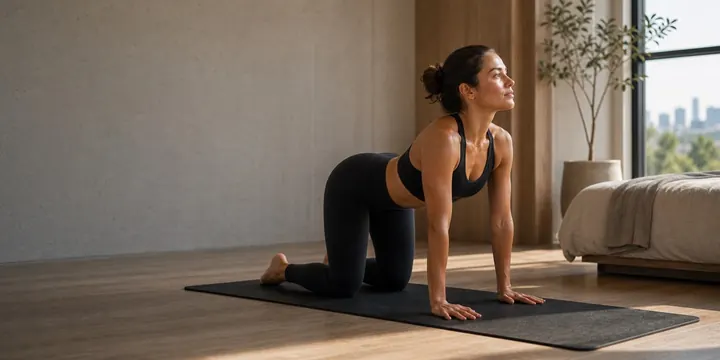
 Start small
Mobility app for beginners
New to mobility? Start with three minutes.
Short, guided sessions with clear steps for every move. No kit, no experience needed, and an easier version of anything that feels too much.
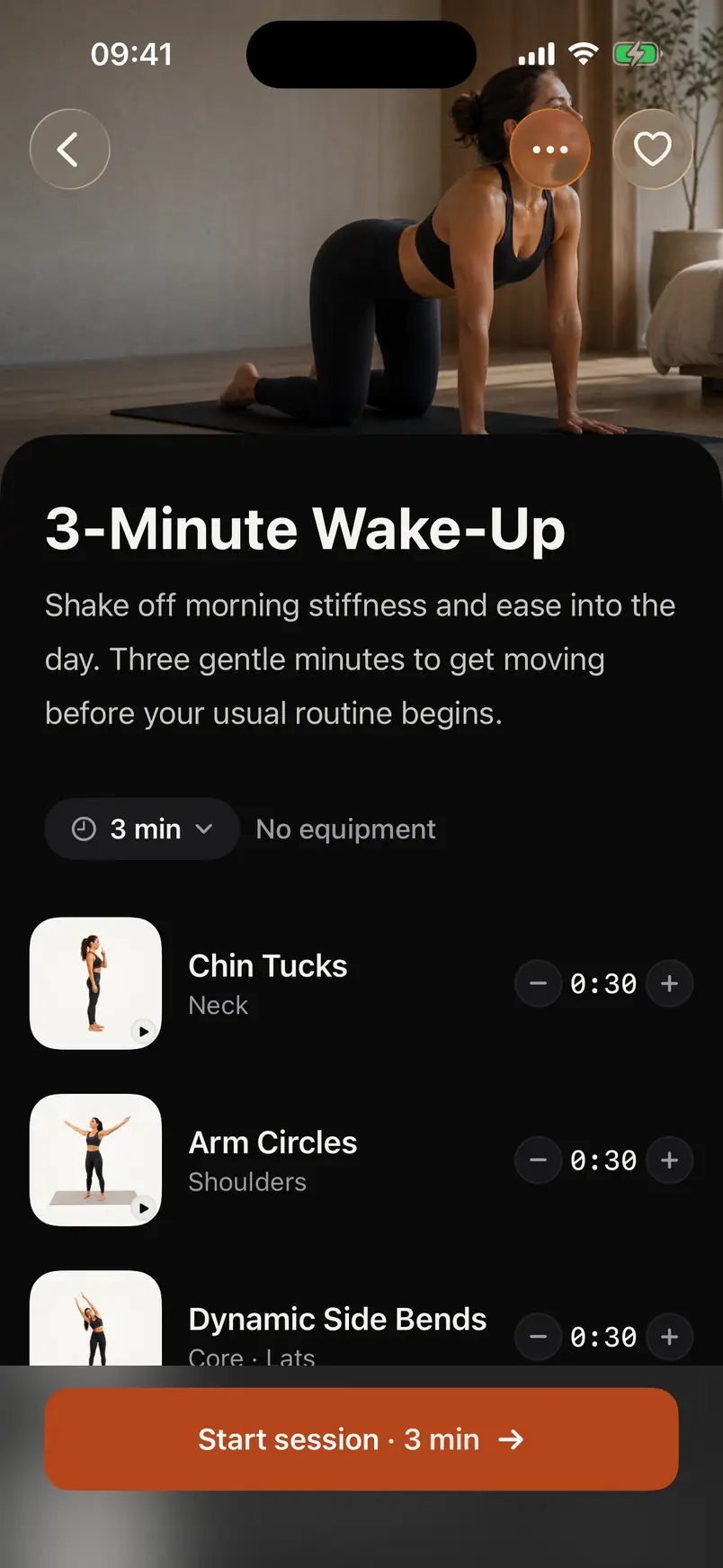
Where to start
Small sessions that are easy to keep.
Every move comes with step-by-step instructions, what you should feel and an easier option. Most sessions take three or four minutes.
Start small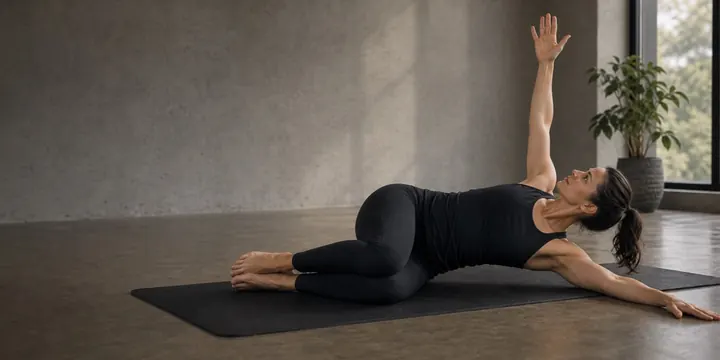 Tight spots
The areas most people feel
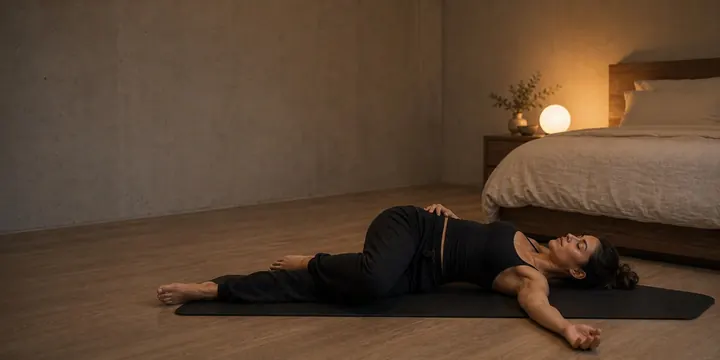 Wind down
Easy sessions for the evening
Your first plan
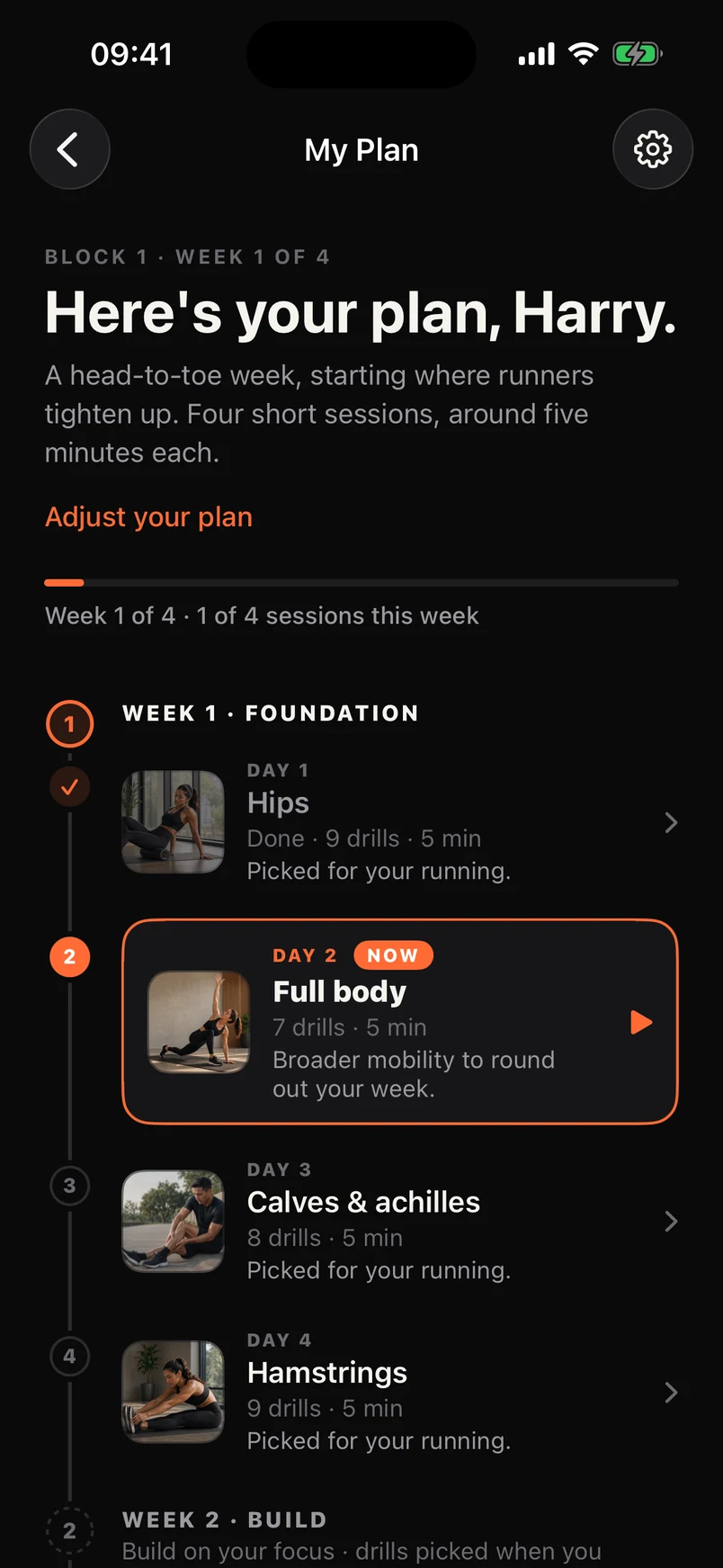
A simple plan to get you going.
Tell Prep what you do, which areas feel stiff and how much time you have. It builds a two to eight week block of short sessions, three to five a week.
Made for where you are
Choose the activities you do and the areas that matter to you. Sessions start short and you can change the length any time.
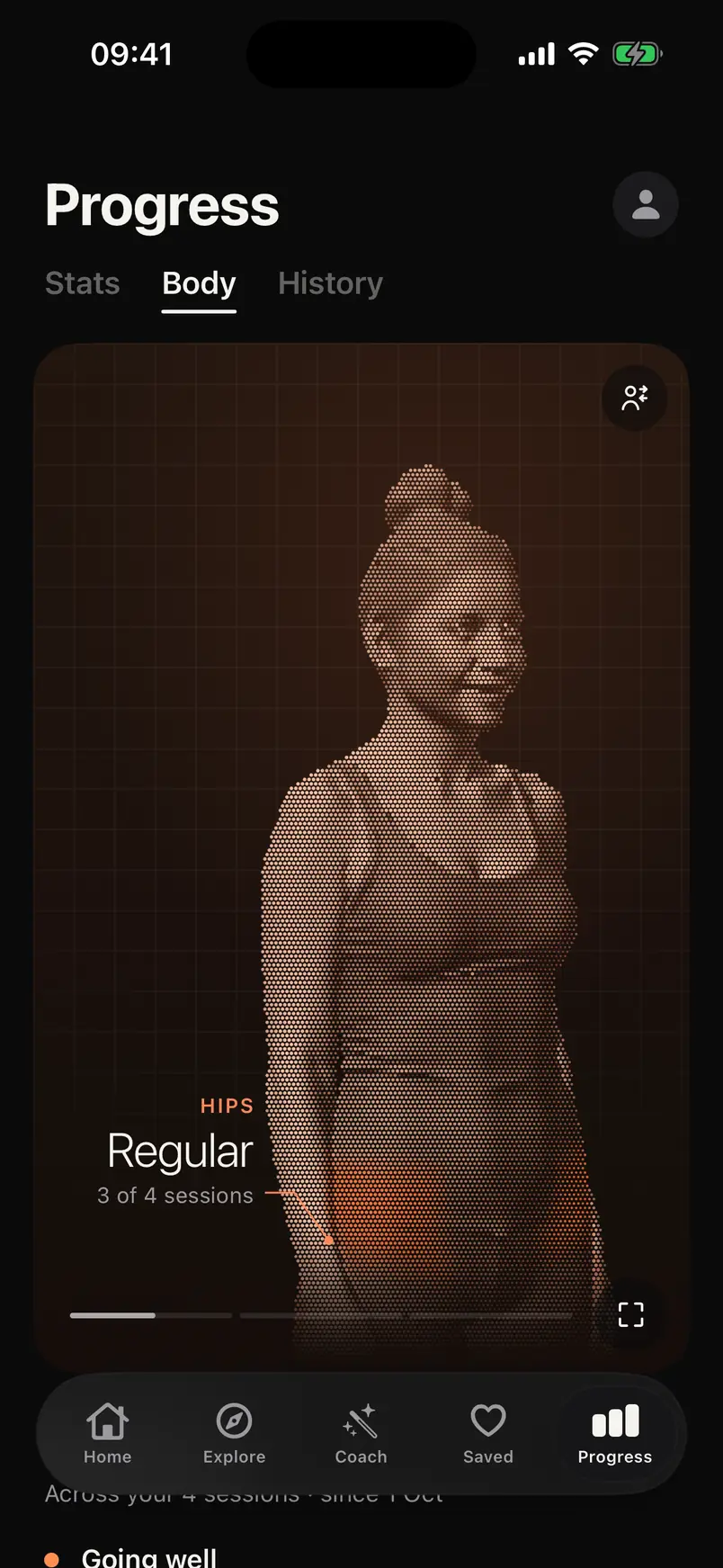
Watch your body light up
See which areas your sessions reach as you go, from hips and hamstrings to the back and shoulders.
Check in, then keep going
Rate how your body feels at the end of each block, then start fresh with a plan based on where you are now.
Beginner questions
Good to know.
Is Prep good for beginners?
Yes. Sessions are short, every move has step-by-step instructions and an easier option, and your plan starts from the activities and areas you choose.
I'm not flexible. Can I still use it?
Yes. Mobility work is about moving comfortably through your range, not how far you can stretch. Prep shows an easier way to do each move.
How often should a beginner do mobility?
A few short sessions a week is a good start. Prep plans three, four or five sessions a week, depending on what you choose.
Do I need any equipment?
Most routines need nothing at all. Some moves use a wall, a chair or a doorway for support.
Your first session takes three minutes.
Download Prep and start with a plan built around you.